Survive Broly Controls
Clean inputs for hiders and hunters on PC, mobile, and gamepad via Roblox.
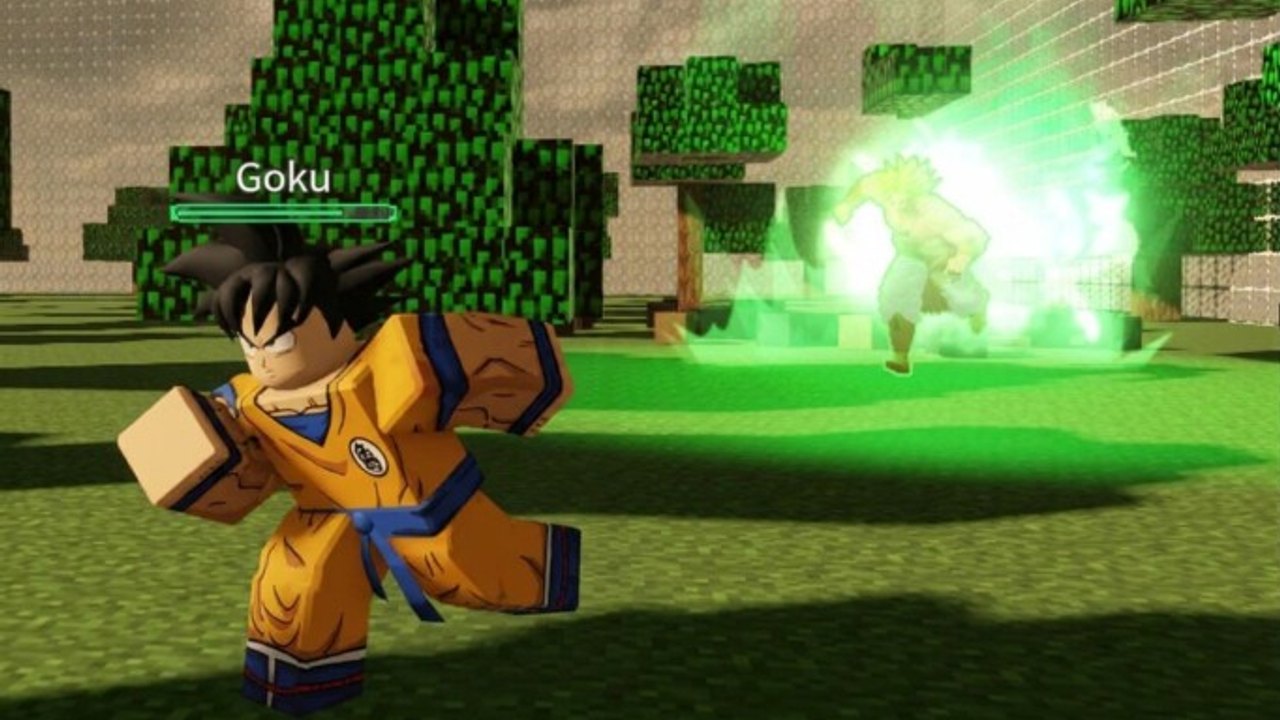
Survive Broly controls look simple until a Dio lockdown hits while you are mid-stair and your crouch toggle fights your camera. This controls guide locks the default expectations, role-specific input habits, and troubleshooting tips so your mechanics match the advice in How to Survive and How to Win as Hunter.
Roblox experiences inherit a lot of shared movement behavior, and Survive Broly adds ability layers per kit. Always open the in-game settings menu after patches from the Updates Hub in case binds shifted.
Default PC expectations
| Action | Typical input | Notes |
|---|---|---|
| Move | WASD | Keep strafing during chases |
| Jump | Space | Short hops beat panic bunny spam |
| Camera | Mouse | Lower sensitivity helps stair tracking |
| Sprint | Shift (or auto) | Sprint is loud — budget it |
| Crouch / stealth | Ctrl or C | Check your exact bind in settings |
| Interact / ability 1 | E / LMB | Kit dependent |
| Ability 2 / alt | Q / RMB | Kit dependent |
| Menu / shop | ` or backpack UI | Claim Codes from lobby UI |
If your crouch key differs, rebind it before ranked-feeling public lobbies. Mis-crouch in a Broly hallway is a free down.
Mobile controls
- Use landscape orientation so the Codes and shop buttons are not under your thumb.
- Enable the joystick + camera swipe layout you already trust from other Roblox asyms.
- Put ability buttons on the reachable thumb zone; Infection attempts die to mis-taps.
- Consider a higher FOV if available so Dio peeks are visible earlier.
Gamepad / console via Roblox
Stick movement plus trigger abilities is enough for beginner rounds. Increase deadzones slightly if micro-sticks pull you out of crouch cover. Practice a full survivor clear using only gamepad before you blame the Survivor Tier List for a bad kit.
Role-specific input habits
Survivors
- Pre-bind crouch where you can hit it without losing camera control.
- Practice jump + immediate strafe to break hunter prediction.
- Never hold sprint while deciding — tap sprint with intention.
- If your kit has a dash, bind it to a finger that does not also control camera yank.
Hunters
- Ability buffers win chases; learn the earliest cancel windows for your main from the Hunters roster.
- Destroy inputs should be deliberate — accidental wall deletes can erase your own path.
- After a hit, camera-lock the survivor’s exit before you swing again.
Chase lab (5 minutes in a private vibe lobby or quiet public)
- Walk a full hospital loop crouching only.
- Repeat the loop sprinting only — notice how loud and readable you are.
- Practice stair camera snaps up and down.
- As hunter, practice smash → move → smash without getting stuck in props.
- Re-enter a public match and apply Maps routes with the cleaner inputs.
Settings worth checking
- Graphics level: stable FPS beats max shadows when Dio stacks appear.
- Camera sensitivity: slightly lower than your shooter main.
- Performance mode on mobile during Infection badge attempts.
- Mute non-essential lobby SFX if they cover footstep reads.
Related pages
- Getting Started
- Infection Mode
- Scripts Hub — mechanics first, injectors later if ever
- Tier List Hub
Clean Survive Broly controls will not make a bad rotate good, but dirty controls will make a perfect rotate fail. Fix your hands, then trust the guides.
Frequently Asked Questions
Quick answers for Survive Broly players.
What are the Survive Broly controls on PC?
Use standard Roblox WASD movement, mouse camera, jump on Space, and check Settings for crouch plus kit abilities.
Can I play Survive Broly on mobile?
Yes. Use landscape mode, comfortable ability placement, and stable FPS for chase readability.
Why do I keep missing abilities?
Your ability button placement or camera sensitivity is fighting you. Rebind and practice in low-pressure rounds.
Do controls change after updates?
Binds can shift with UI patches. Recheck settings after notes on the Updates Hub.